





Pre-launch
Keep the thingsyou meant to come back to.
A quiet visual archive for everything you save from the web. Your masonry, your library, yours to return to.
How it works
Three steps. One library.
Capture
Save anything from the extension share sheet. No paste, no friction.
Return
Browse a calm masonry of every link, image, and idea you saved.
Share
Show a collection to a friend or collaborator, or keep it to yourself.
Self-organising
Your saves organise themselves.
Save. Saver does the cataloguing in the background.
Tags attach themselves.
Saver reads what you save and files it under your existing tags. Your taxonomy. No invented categories.
Search by what it was about.
Find a save by the idea, not by the title you didn't write.
Imagery, ready on arrival.
Every save arrives with a thumbnail, a colour, the right dimensions.
The text outlives the link.
When the source 404s a year from now, the save still has the words.

A canvas you return to.
For designers, photographers, art directors. Your moodboard practice gets a home that respects your taste.
What it looks like
Your library, end to end.

The cypress at dusk
cosmos.so

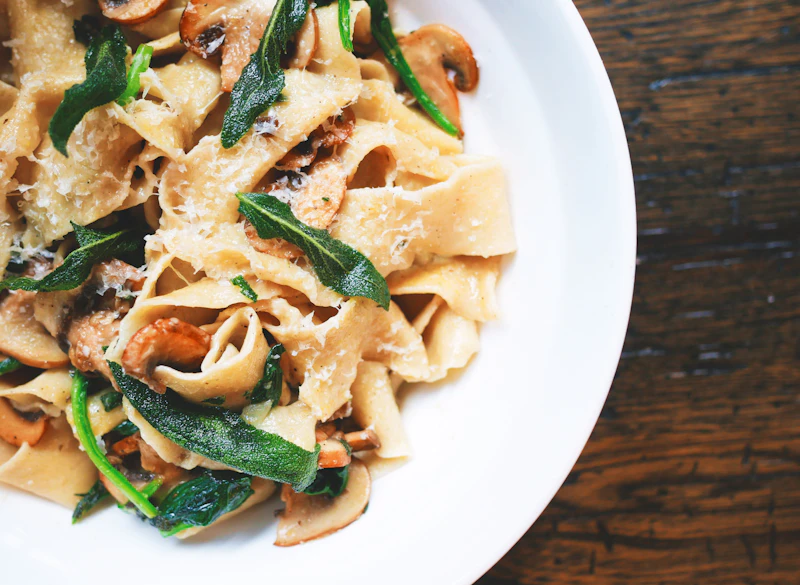
A four-ingredient sauce, defended
X

Type specimen no. 4
klim.co.nz

Mid-century reading corner
are.na

On slow mornings
substack.com

Studio piece, in soft light

The kelp coast
longreads.com
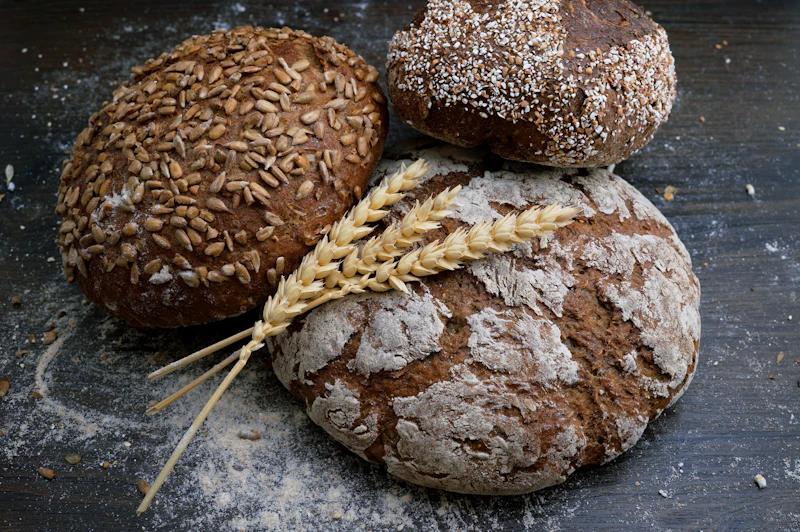
The 12-hour cold ferment, sped up
TikTok

On the office I built around one chair

The library, after hours
bookforum.com
What you save
Anything with a URL.
Saver doesn't care where the link came from. The save looks like itself.
The 12-hour cold ferment, sped up
TikTok
Social and video
- TikTok
- YouTube
- X

An apartment in Lisbon, top floor
Airbnb
Travel and lifestyle
- Airbnb
- Yelp
- Google Maps

Records I’m sitting with this month
Spotify
Audio
- Spotify albums
- Spotify tracks
- Spotify playlists
Type specimen no. 4
klim.co.nz
The open web
- Articles
- Recipes
- Editorial photography
- Typography posters
- Product pages
- Substack covers
- GitHub READMEs
What's next
Coming next.
Saver v1 is the masonry that organises itself. The next moves are about what your library can become.
Next
Saves that know each other.
Saver surfaces relations between saves: same idea, same colour palette, same person you keep returning to.
Soon
TL;DR per save.
A short summary on every save. Recover what you saved without rereading the whole page.
Later
The moodboard, alive.
Drag, pin, and connect. A second view of your library with link cords drawn between the saves you're working with.
Frequently asked
When does Saver launch?
Pre-launch. We will email when the app opens; no fixed date yet.
What will it cost?
Pricing is being finalised. The waitlist gets first details and likely a launch discount.
Will there be Web?
Yes. Mobile first; Web is in progress.
Where are my saves stored?
Encrypted server-side in our backend. Only you can read them. No selling, no tracking.
Can I share collections?
Yes. Collections share via a link only when you choose.
How does the share extension work?
Save from any app's share sheet. Saver runs the ingestion (title, image, classification) asynchronously; you can keep moving.